
Credits run out mid-batch
Web tools meter every image. A single product drop can burn a month of credits. VinCo processes as many images as you want for a flat plan price.
Background & logo removal · On your own machine
VinCo removes backgrounds, logos, and everything but the face — locally on your Mac or Windows PC. Drop in a folder, get transparent PNGs back at full resolution. No uploads, no per-image credits.
No card required · 30-day money-back guarantee on paid plans

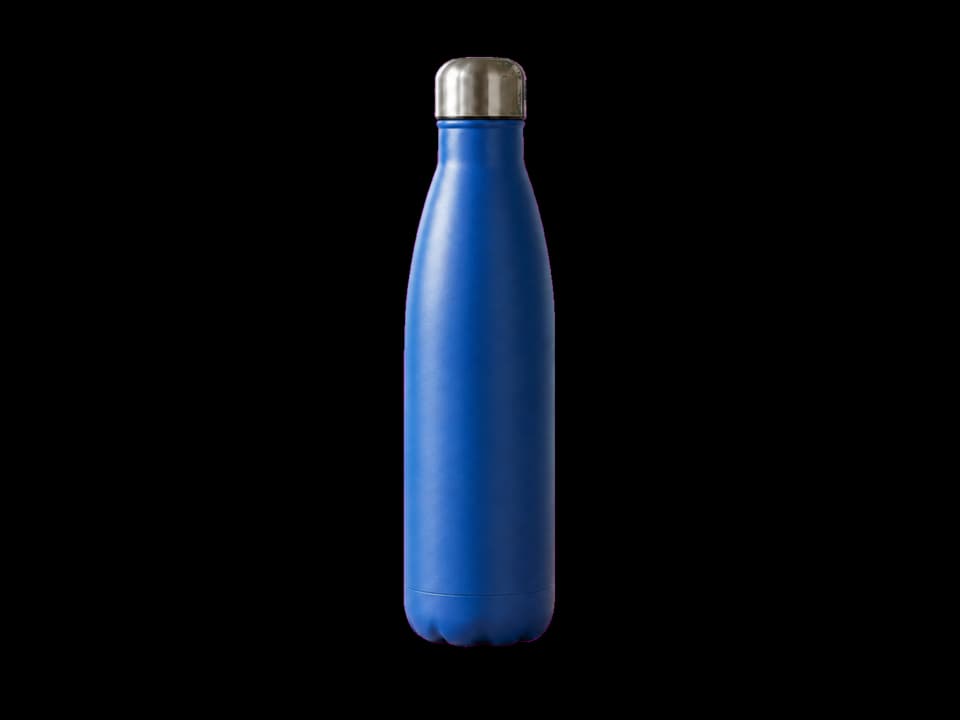
Real VinCo output — original on the left, transparent cutout on the right.
Why sellers switch
Web tools meter every image. A single product drop can burn a month of credits. VinCo processes as many images as you want for a flat plan price.
Unreleased SKUs and client shots shouldn’t sit on someone else’s server. VinCo does the work on your machine — the images never leave.
Editing listings one upload at a time doesn’t scale. Point VinCo at a folder and get a folder of finished transparent PNGs back.
Three purpose-built modes
Products, pets, and everyday photos with clean, natural edges.


Sharp marks, artwork, and text with print-ready transparent output.


Keep only the face, hair, hats, and glasses — without the neck, shoulders, or body.
How it works
HEIC, JPG, PNG, or WEBP — single files or a whole folder of listing photos.
Choose general, logos, or face cutout — and a faster pass or a more refined model for tricky edges.
Save at the original resolution, straight back to a folder — ready to publish.
Batch built-in
Point VinCo at a folder and it works through every image with the same mode and quality, then writes finished transparent PNGs to the output folder you choose. No queue, no per-image wait, no re-uploading.
How VinCo compares
| How it compares | VinCo | Cloud tools | Manual editing |
|---|---|---|---|
| Where images are processed | On your device | Uploaded to their servers | On your device |
| Per-image cost | Unlimited on a flat plan | Per image or credit packs | Your time |
| Batch a whole folder | Yes — folder to folder | Limited or higher tier | One at a time |
| Works offline | Yes | No | Yes |
| Face-only cutout mode | Built in | Rarely available | Manual masking |
| Output | Transparent PNG at source resolution | Varies by plan | Whatever you export |
Simple, flat pricing
Pick the number of device seats you need. Every plan includes all three modes, bulk processing, and offline access — no image credits.
Solo
Studio
Use the full app before you decide.
Full refund on paid plans, no hoops.
It’s a subscription — stop whenever.
Your images never touch our servers.
Questions, answered
No. VinCo processes every image locally on your Mac or Windows PC. Only compact license-status data reaches the portal — never your photos.
Import JPG, PNG, WEBP, or HEIC. Export transparent PNGs at the original resolution.
No. Every plan includes unlimited local processing — no credits and no per-image charges.
Yes. A signed offline grace period keeps authorized devices working when the connection drops.
Paid plans come with a 30-day money-back guarantee. Email us within 30 days for a full refund.
macOS and Windows. Your plan’s device seats can be moved between your own machines.
Bring background removal in-house
Install VinCo, activate your devices, and clear your next photo folder tonight — privately, on your own machine.
No card required · 30-day money-back guarantee on paid plans